Be anyone on camera. Play any video.
Perez Live Cam turns video files into a real Windows camera — use them in WhatsApp, Zoom, Meet, OBS and every app that reads your webcam.
- Free to try
- Windows 11
- No account needed
- 100% local

Perez Live Cam Virtual Camera
Selectable in your call app
- Zoom
- Google Meet
- Microsoft Teams
- OBS Studio
- Discord
- Windows Camera
Your video, right where your webcam used to be
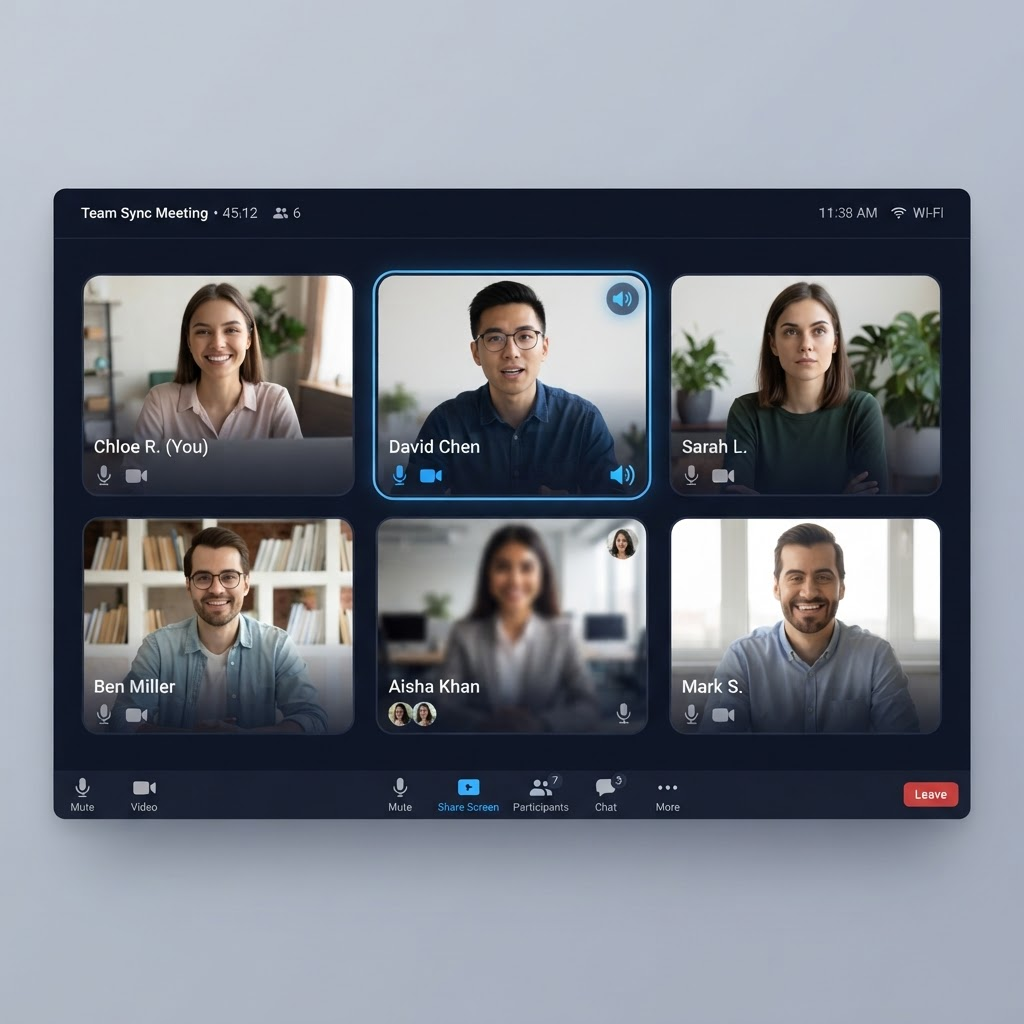
Once the camera is running, every meeting app treats it like any other webcam. Pick “Perez Live Cam” and your chosen video plays for everyone in the room.
- Appears as a standard camera device
- Works in Zoom, Meet, Teams, OBS & more
- Smooth 30 fps playback, no stutter
Three steps to a video-powered webcam
No drivers to hunt down, no config files. Set it up once and switch cameras like any other device.
- Step 1
Pick a video
Choose any video file from your PC — MP4, MKV, AVI or MOV.
- Step 2
Start the camera
One click registers "Perez Live Cam Virtual Camera" on your system.
- Step 3
Switch your camera
Select it in your call app’s camera settings and you’re live.
Everything you need to control the camera
A focused toolset that does one thing well — turning your videos into a dependable Windows camera device.
Any video format
MP4, MKV, AVI and MOV via native decoding — no re-encoding required.
Up to 1080p60 output
Selectable resolution and frame rate, defaulting to a clean 1280×720 at 30 fps.
Fit / Stretch / Crop
Frame your video exactly how you want — letterbox, fill, or zoom to fill.
Loop & mute controls
Loop the video seamlessly, mute audio and mirror the preview in a click.
Test pattern mode
A built-in animated pattern lets you verify the camera without a video file.
Offline license
Device-bound activation that keeps working without internet after setup.
Made for however you show up on camera
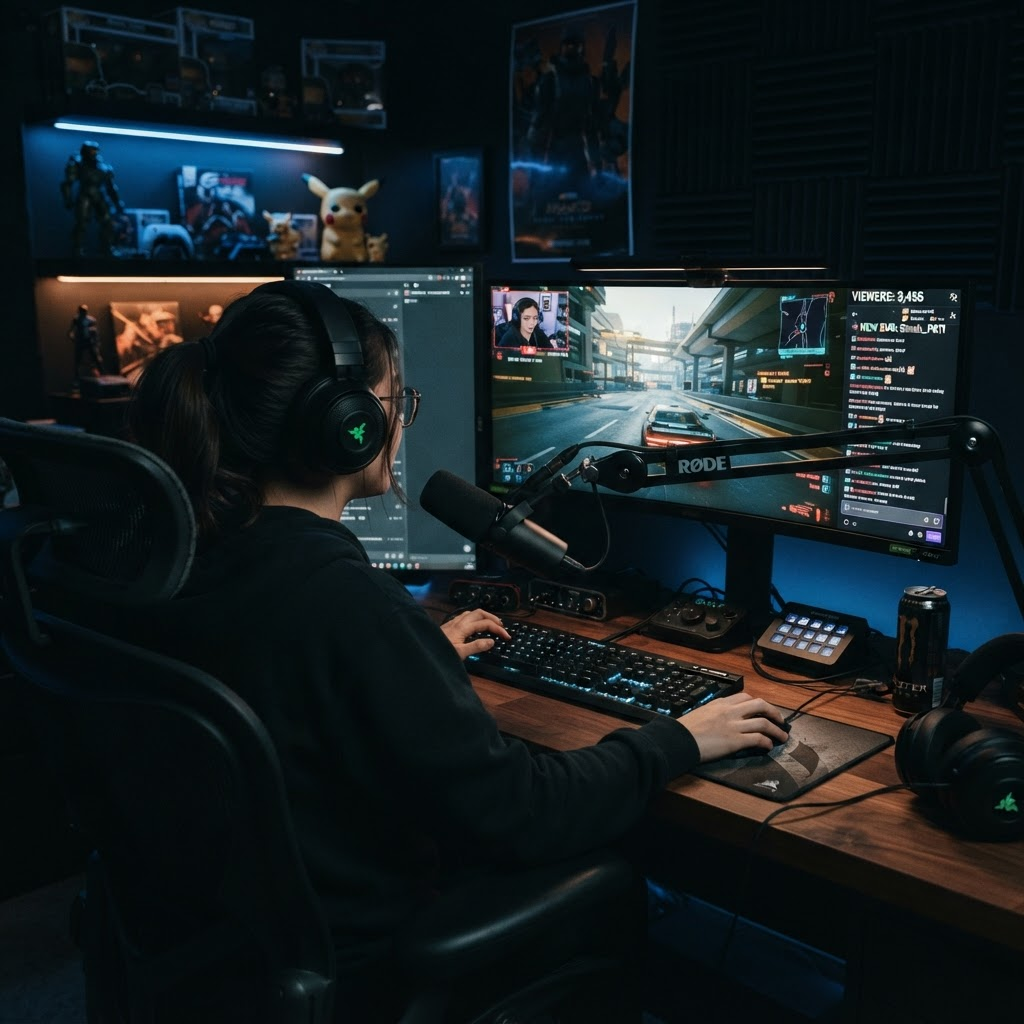
Stream clips without a capture card
Feed intros, replays and B-roll straight into OBS or your live platform.
Content creators
Route pre-rendered clips, intros or B-roll straight into your stream or recording.
Online meetings
Play a looping background or a prepared clip while you present on a call.
Teaching & presentations
Show recorded demos as your camera feed so everyone sees the same thing.
Just for fun
A harmless, prank-safe way to surprise friends on a video call.
Check your setup in seconds
Requirements
- Windows 11 (build 22000+) for the virtual camera
- Windows 10 or newer to run the app UI
- ~200 MB of free disk space
- Any modern CPU — no dedicated GPU required
Works in
- WhatsApp Desktop
- Zoom
- Google Meet
- Microsoft Teams
- OBS Studio
- Discord
- Windows Camera
…and any app with a camera selector.
Download & install
A single NSIS installer with a guided setup wizard. Free to try with demo codes — no account required.
Direct download from the releases page · view all versions
- 1Download the installer.
- 2Run it as administrator.
- 3Allow the camera driver prompt on first launch.
- 4Enter a license code (demo codes available).
- 5Open your call app and pick "Perez Live Cam Virtual Camera".
Frequently asked questions
It’s free to try with demo codes. The full version needs a license code.
Yes — it appears as a standard camera device, so you can select it just like any webcam.
Microsoft’s Media Foundation virtual camera API requires Windows 11 build 22000 or newer.
No. Everything runs locally on your PC. Nothing ever leaves your machine.
Yes — activation includes an offline grace period so it keeps working without internet.
No, Perez Live Cam is Windows only for now.